
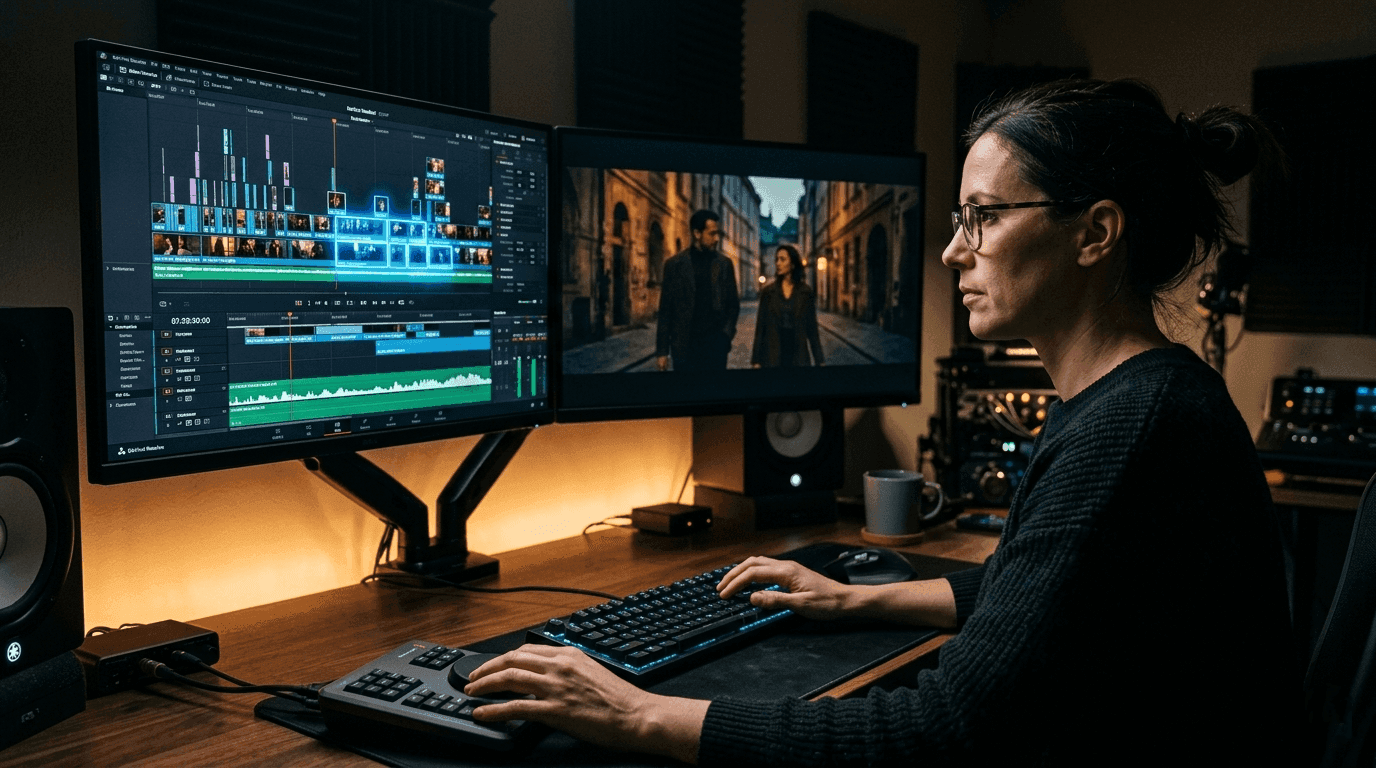
The future of video editing isn't about replacing your eye — it's about freeing your hands.
Video editors everywhere are asking the same question right now: Can I use AI tools without becoming a pushover to the algorithm? The answer is yes — but only if you approach it strategically. AI video editing is no longer a novelty. It's a competitive advantage. But the creators winning with it aren't the ones handing over their creative vision. They're the ones who've learned exactly where to let AI in and exactly where to draw the line.
This guide will show you how to do exactly that.
Why AI Video Editing Is No Longer Optional
The video production landscape has shifted permanently. What used to take a team of four can now be accomplished by one skilled editor who knows how to delegate the right tasks to AI. We're talking about:
Cutting hours off rough assembly edits
Auto-generating captions and subtitles with near-perfect accuracy
Color grading baseline corrections in seconds
Removing silences, filler words, and dead air automatically
Upscaling and noise reduction on low-quality footage
The editors who resist AI entirely will find themselves priced out of the market. The ones who blindly trust it will produce generic, soulless content. The sweet spot is in the middle and that's where you want to be.
The #1 Mistake Editors Make With AI Tools
Most people bolt AI tools onto their existing workflow as a finish-line shortcut. They edit manually, hit a wall, and then ask AI to "fix it." That's backwards.
AI works best as a starting-engine, not a finishing tool.
The right approach is to use AI to handle the mechanical, repetitive, and time-intensive groundwork then step in as the creative director to shape, refine, and elevate the output. Think of it like working with an incredibly fast junior editor who has no taste. Your job is to have all the taste.
Step 1: Audit Your Workflow for "Time Drains"
Before adding any AI tool, map out where your editing hours actually go. Most editors will find the same culprits:
High time drain, low creative value:
Syncing multicam footage
Transcribing dialogue for rough cuts
Removing background noise from audio
Finding the best take from dozens of similar clips
Exporting multiple format sizes for different platforms
These are your AI zones. These are the tasks you hand off first, guilt-free.
Low time drain, high creative value:
Pacing and rhythm decisions
Color story and mood
Music selection and audio mix
Storytelling arc and scene order
Transitions that serve the narrative
These stay with you. Always.
Step 2: Choose AI Tools That Serve Your Output, Not Theirs
Not all AI video tools are built the same. Some are designed to push you toward generic outputs because it's easier to train a model on "safe" aesthetics. Here's how to spot the difference:
Look for tools that offer:
Export to your preferred NLE (Premiere, DaVinci, Final Cut)
Non-destructive editing so you can override every decision
Granular controls, not just "Auto-Fix" buttons
Transparency in what the AI changed and why
Avoid tools that:
Lock your project inside their ecosystem
Flatten your color grade with no adjustment layer
Apply jump cuts or pacing decisions without preview
Replace your audio without giving you the original back
Your creative control lives in the export and override options. Never compromise there.
Step 3: Build a Hybrid Editing Protocol
Here's a practical framework you can adopt immediately. Think of it as a creative relay race AI runs the first leg, you close it out.
Phase 1 — AI Prep (Before You Touch the Timeline)
Run your raw footage through an AI transcription tool to generate a text-based rough cut
Use AI silence removal to strip dead air from all clips
Let AI auto-sync your multicam or B-roll using audio waveforms
Run a noise reduction pass on all audio tracks
Phase 2 — Human Assembly (Your Creative Decisions)
Review the AI rough cut and restructure the story arc
Select the best takes based on performance, not just technical quality
Set your intentional pacing where to breathe, where to push
Lock your edit before any color or audio mastering
Phase 3 — AI Assist (Speed Up the Polish)
Use AI-powered color matching to bring consistency across clips
Generate subtitle files and manually review for accuracy
Use AI upscaling only on specific clips that need it, not globally
Auto-generate platform-specific export sizes
Phase 4 — Human Final Pass (Never Skip This)
Watch the full cut at real speed, no skipping
Make all final pacing, color, and audio adjustments by hand
Apply your unique stylistic signatures LUTs, sound design, transitions
Export and review on multiple screens before delivery
This protocol keeps AI in its lane while keeping you in the director's chair.
Step 4: Protect Your Creative Voice Actively
AI tools are trained on what already exists. That means left unchecked, they'll always nudge you toward the median the average of everything that came before. Here's how to fight that:
Create a personal style document. Write down the specific choices that define your editing style: your average cut rhythm, the kind of color moods you gravitate toward, how you handle music transitions, your philosophy on text overlays. When AI suggests something, compare it against your style doc.
Keep a "manual override" habit. Every time you accept an AI suggestion without thinking, you give up a micro-decision. String enough of those together and you've made a generic video. Make it a rule: before accepting any AI-generated cut, color, or caption, ask yourself, "Is this what I would have chosen?"
Deliberately break AI patterns. If you notice AI keeps cutting at the same rhythm or suggesting the same color temperature, intentionally do the opposite on at least one scene. This keeps your instincts sharp and your output distinctive.
Step 5: Stay Current Without Getting Overwhelmed
The AI video editing space moves fast new tools launch every month. You don't need to test every one of them. Instead, follow this simple rule:
Only adopt a new AI tool if it removes a task you currently hate.
Not because it's trending. Not because a YouTuber recommended it. Because it eliminates friction from your specific workflow. That filter will save you from tool-hopping and keep your process clean.
The Bottom Line
AI video editing isn't a threat to your creative identity it's a test of it. The editors who thrive in this era won't be the ones who know the most AI tools. They'll be the ones with a clear point of view, strong instincts, and the discipline to use AI as a precision instrument rather than a crutch.
Use AI to buy back your time. Spend that time making better creative decisions. That's the workflow.
Your style is the one thing AI can't replicate. Protect it like it's your most valuable asset — because it is.
Did this post change how you think about AI in your editing process? Share it with a fellow creator who's still on the fence.